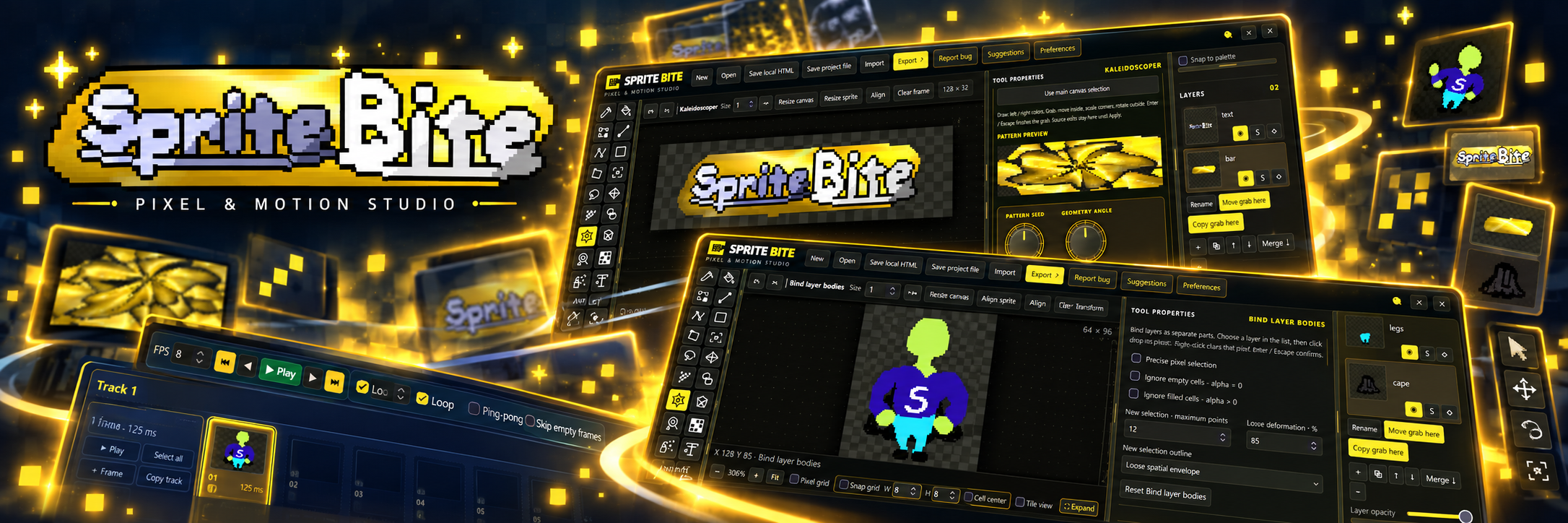
Sprite Bite - Pixel Art & Animation Studio
Sprite Bite
Pixel & Motion Studio
Draw it. Shape it. Animate it.
Meet Sprite Bite, a standalone pixel-art and animation studio built for indie developers, pixel artists, and creators who want powerful tools without a complicated workflow.
Create original sprites, edit existing artwork, work with layers and palettes, and bring your creations to life with a dedicated animation timeline.
Start with the FREE edition, a complete and capable pixel editor with manual animation tools. When you're ready for more, Sprite Bite Pro unlocks advanced deformation, rigging, procedural effects, and powerful animation workflows.
Free to use. $7.99 to go Pro. One-time purchase, no subscription.
🎨 Create Pixel Art Your Way
Whether you're drawing your first character or preparing game-ready assets, Sprite Bite gives you the tools to build and refine your artwork.
- Pixel drawing, erasing, shapes, fills, and selections
- Editable layers, opacity, and transformations
- Color palettes, gradients, and color controls
- Canvas and sprite resizing
- Grid snapping and precision editing
- Local project saving and recovery
- Import and export tools
Everything is designed around a hands-on creative workspace, with the controls you need close to your artwork.
🎞️ Bring Your Sprites to Life
Sprite Bite isn't just for drawing still images.
Use its built-in animation timeline to create frame-by-frame animations, manage sequences, and preview motion as you work.
- Frame-by-frame sprite animation
- Multiple animation clips and tracks
- Frame duplication, reordering, and timing
- Onion skinning for easier animation
- Looping and ping-pong playback
- Animation previews
- PNG, GIF, and sprite-sheet export
You can build and export real animations in the Free edition, without needing Pro.
✨ Go Further with Sprite Bite Pro
Want to spend less time redrawing and more time creating?
Sprite Bite Pro unlocks the advanced tools that make Sprite Bite special.
Advanced Deform Cage
Bend, stretch, and reshape sprite artwork with editable deformation cages. Create your own shapes and experiment with expressive transformations.
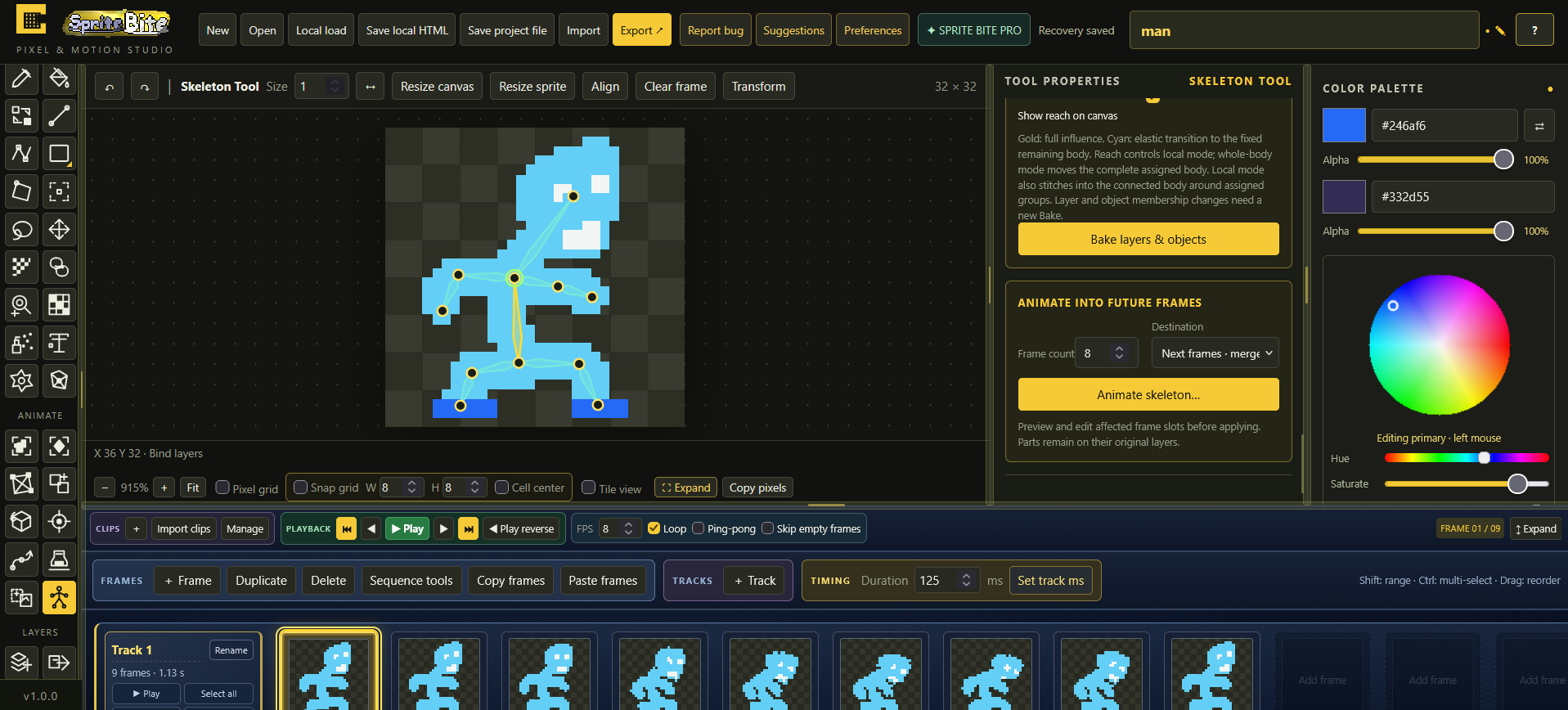
Skeletal Animation
Build and adjust skeletal structures, work with bones and pivots, and create more advanced character motion.
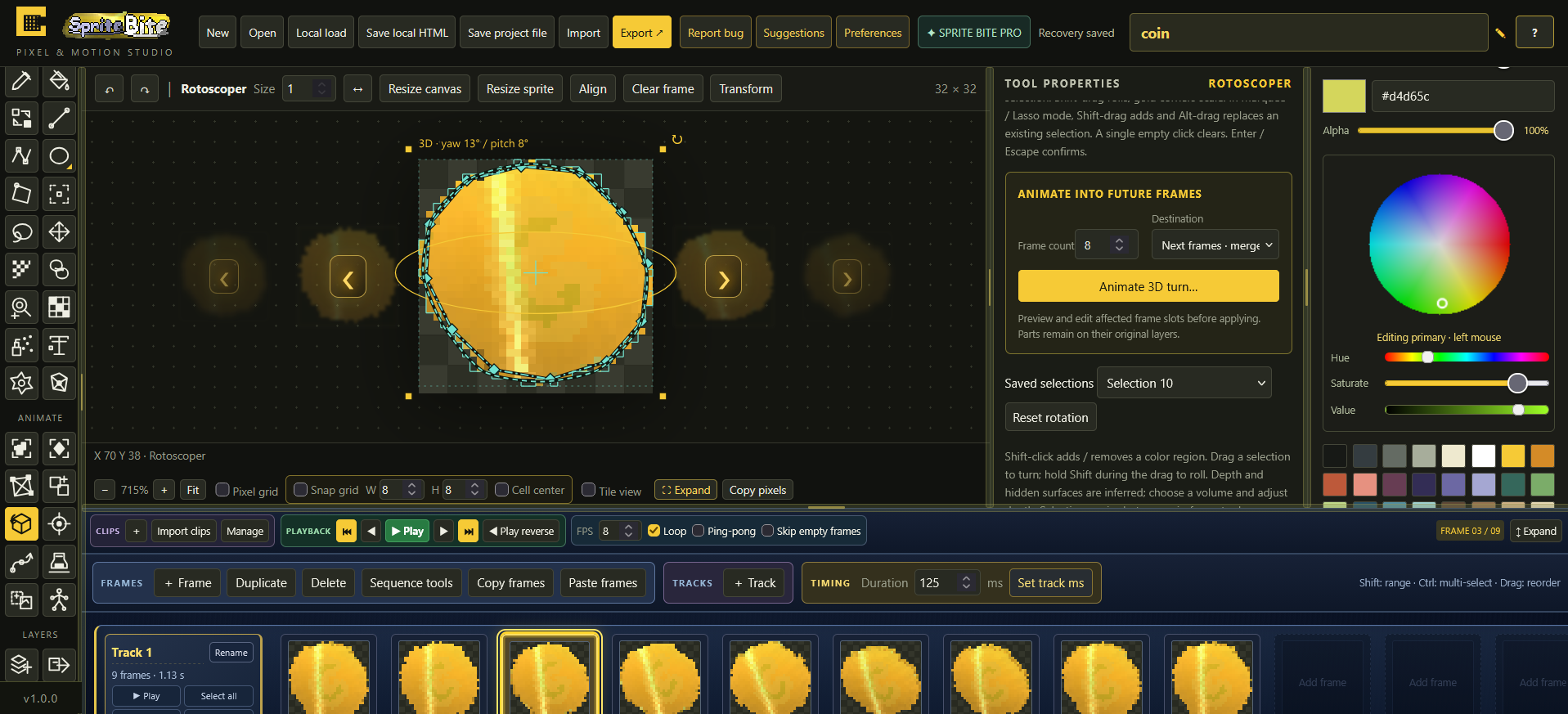
Rotoscoper
Explore simulated 3D turning and depth-based transformations for 2D sprite artwork.
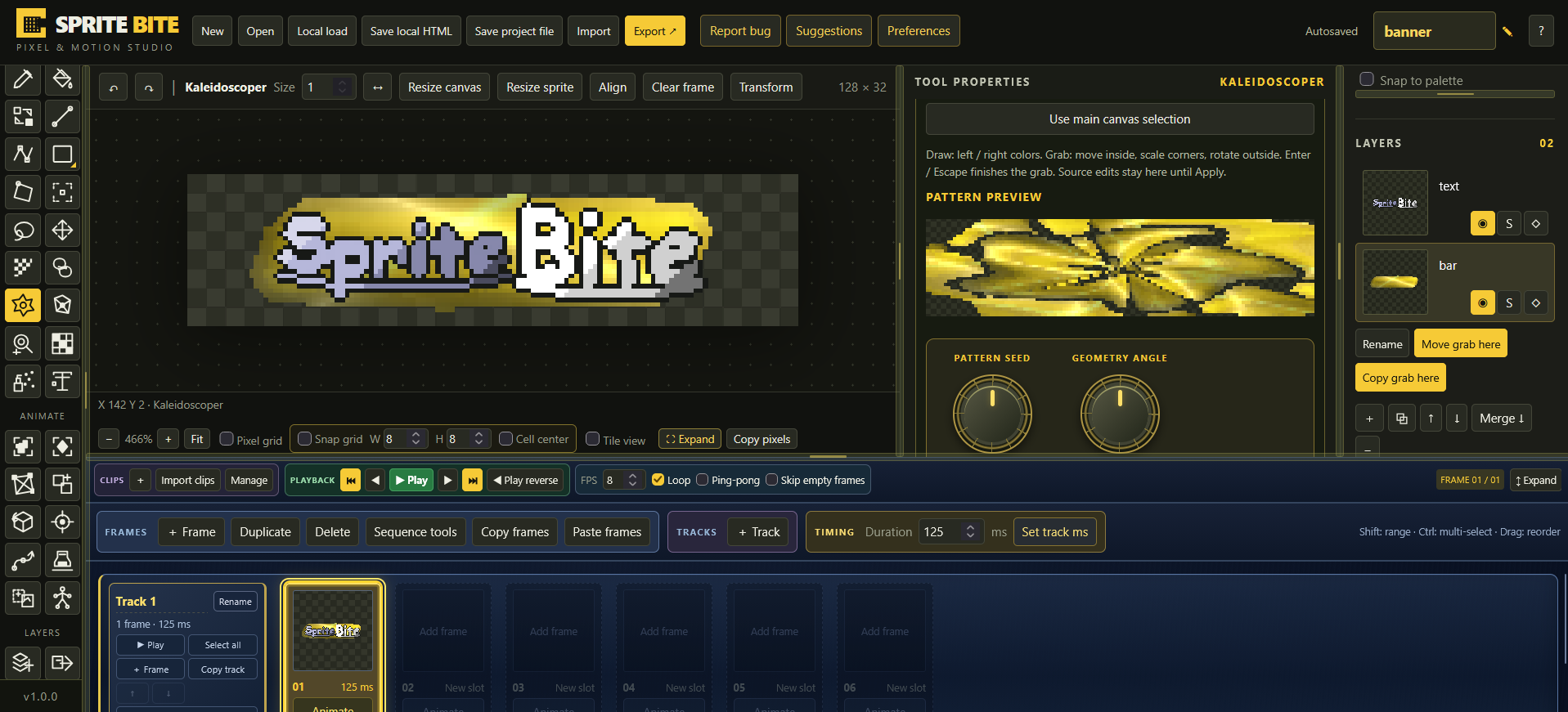
Kaleidoscoper
Create procedural mirrored patterns, radial effects, and unusual visual designs.
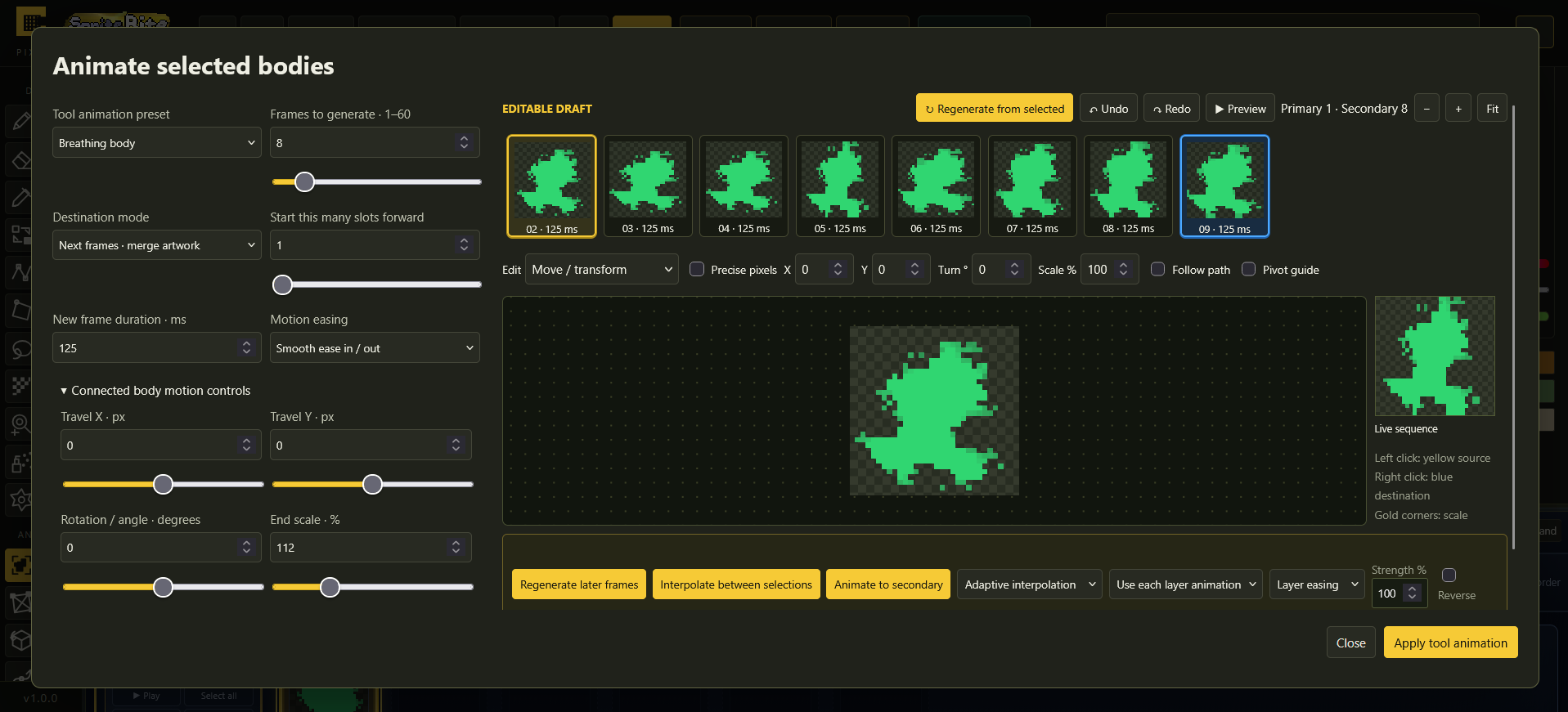
Motion Generation
Generate in-between frames, experiment with motion paths, and create animated effects without manually drawing every intermediate pose.
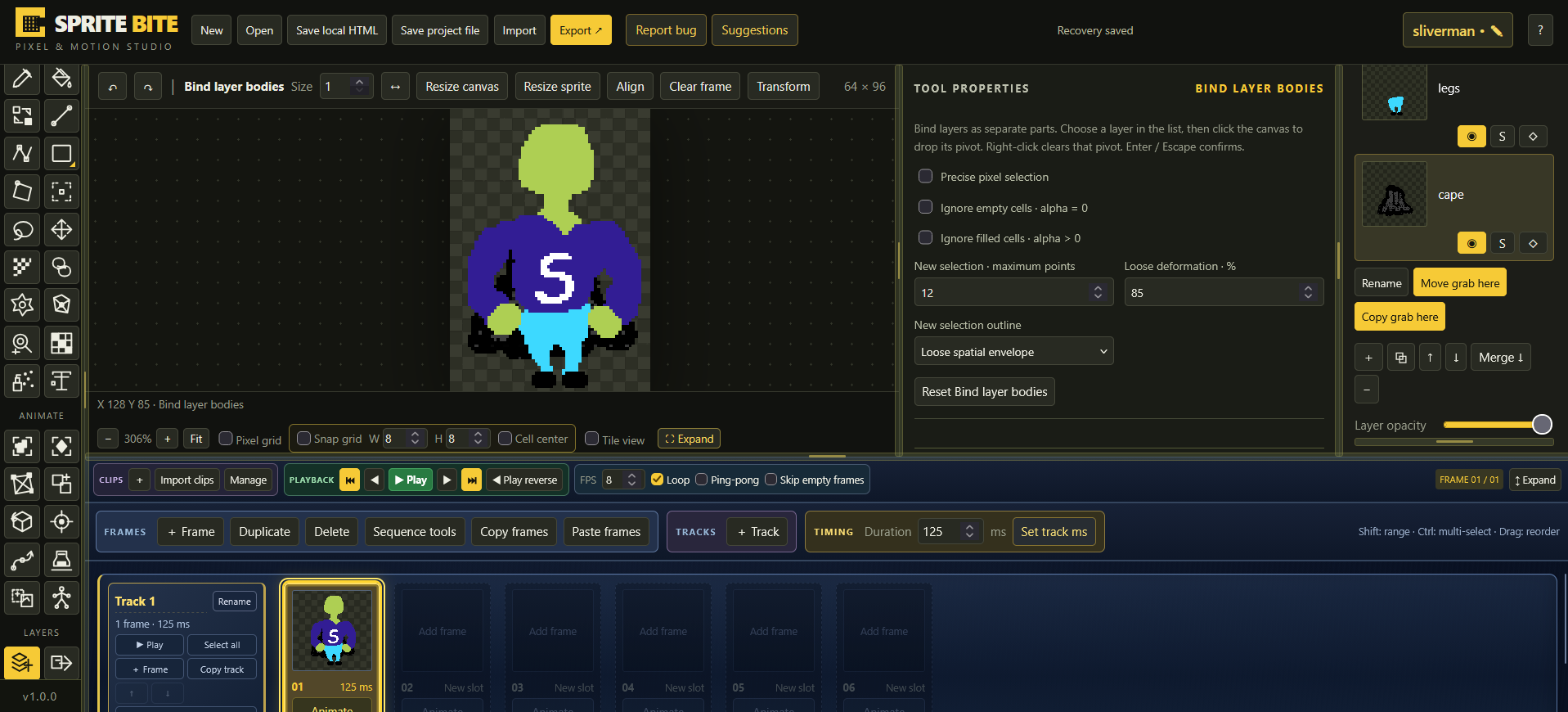
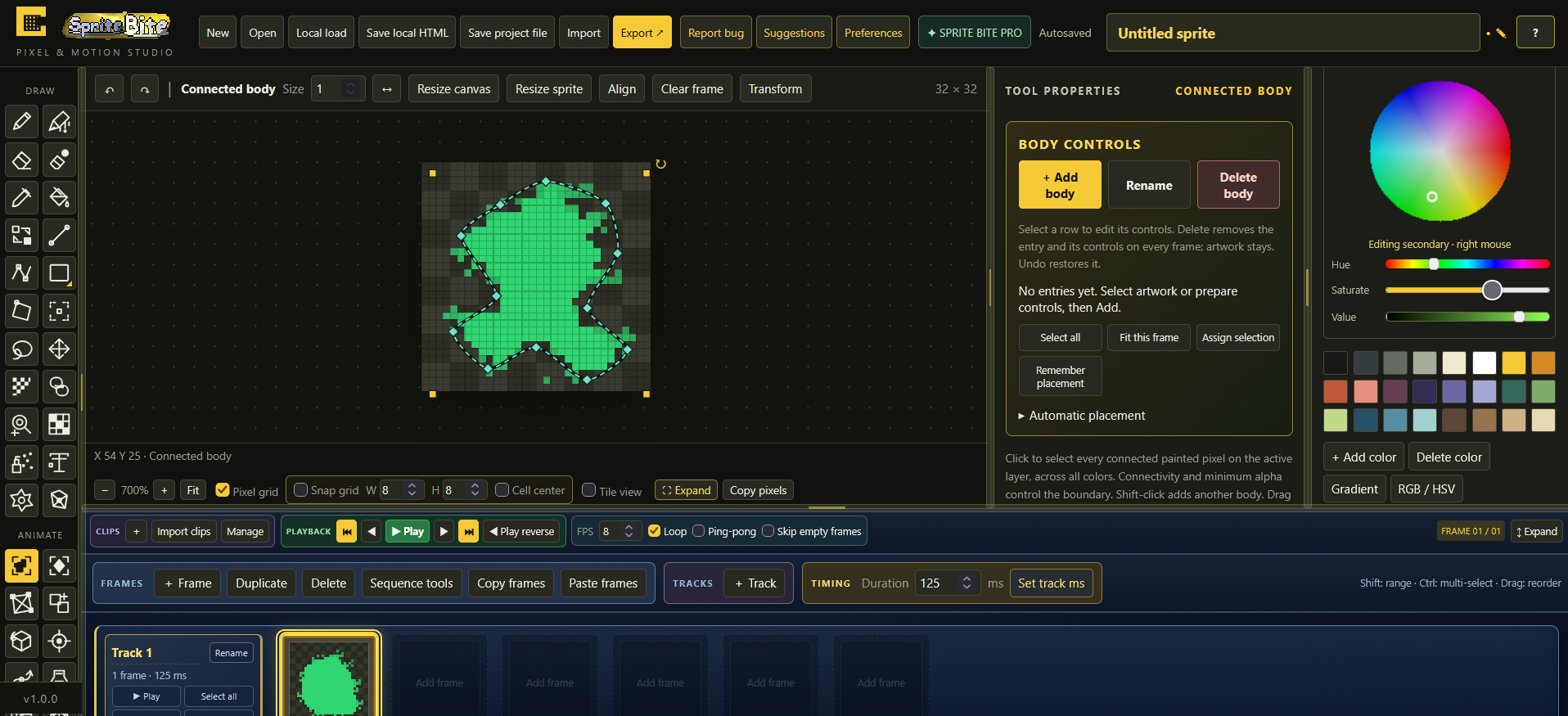
Advanced Layer & Body Animation
Work with connected sprite parts, reusable poses, and advanced layer-based motion tools.
Sprite Bite Pro: $7.99, one-time purchase.
No monthly fee. Just a more powerful creative toolbox.
🆓 Free vs. Pro
| Feature | Free | Pro |
|---|---|---|
| Pixel drawing and editing | ✓ | ✓ |
| Palettes and layers | ✓ | ✓ |
| Selections and transformations | ✓ | ✓ |
| Manual animation timeline | ✓ | ✓ |
| Onion skin and playback | ✓ | ✓ |
| Project saving and basic export | ✓ | ✓ |
| Deform Cage | — | ✓ |
| Skeletal animation | — | ✓ |
| Rotoscoper | — | ✓ |
| Kaleidoscoper | — | ✓ |
| Advanced motion generation | — | ✓ |
| Advanced body and pose tools | — | ✓ |
The Free edition is not a time-limited trial. It is a usable creative application in its own right.
💻 Download & Run
Sprite Bite is distributed as a standalone HTML application.
- Download your chosen edition.
- Open the HTML file in a compatible modern desktop browser.
- Start creating!
No installation wizard, account registration, or constant internet connection required for the core editor.
Your artwork and project files remain under your control.
For the best experience, use a recent desktop browser and keep backups of important projects.
📁 Your Projects, Your Files
Save your Sprite Bite projects locally and continue editing later.
The Free and Pro editions use compatible project formats, making it easy to move your existing work into Pro.
Export your finished artwork for use in games, personal projects, and other creative workflows.
Usage & Licensing
You may use original artwork and animation you create with Sprite Bite in personal and commercial projects.
Purchasing Sprite Bite Pro grants you permission to use the purchased application. It does not transfer ownership of the software or grant permission to redistribute, resell, or repackage the application.
You are responsible for ensuring that artwork imported into Sprite Bite is used in accordance with any applicable third-party rights.
Sprite Bite and its original software components remain the property of their respective creators.
This license does not restrict any rights provided by applicable law or third-party open-source licenses.
🛠️ About Development
Sprite Bite is part of the Sanctuary Creative Tools collection, a growing family of focused, approachable creation utilities.
We're continuing to refine the experience, improve workflows, fix issues, and expand the collection.
Found a bug or have an idea? Use the built-in feedback tools or leave a comment on this page.
If you enjoy Sprite Bite, ratings, feedback, and sharing your creations are greatly appreciated. #SpriteBite
Create something wonderful. Then make it move.
Sprite Bite · Sanctuary Creative Tools
Download
Click download now to get access to the following files:
Development log
- Sprite Bite 1.0 Is Here! 🎨4 hours ago
Leave a comment
Log in with itch.io to leave a comment.